
In 2026, about R97.5 trillion (US$6 trillion, at R16.25 per US$ on 22 September 2026) in expected global IT spending on software is pushing more businesses to simplify vendors, because operational downtime costs more than anyone planned.
Key Takeaways
What you gain
|
What you must check
|
- We do consolidation on purpose. If a single provider cannot handle software, hardware, rollout and support, you end up with handoffs under pressure.
- TimeWorks support is built for real interruptions. Start with the Support & Resources path and see how tickets and on-site options work.
- We’ll recommend best-fit, not overwhelm. For software options and how the platform behaves when the internet drops, start at POS Software.
- If budget timing is tight, rentals can be the bridge. Use POS Rentals when you need hardware and go-live faster.
What “one provider” really means in 2026 (software, hardware, rollout and support)
Most businesses ask the same question: Can one provider handle software, hardware, rollout and support without forcing you into handoffs?
In 2026, the operational expectation is simple. You want a single backbone, a clear rollout plan, and one place to log a ticket when hardware fails or the software needs attention.
That means your provider does more than sell a license. They design the full chain, including:
- Software installation and configuration that matches your workflow (front-of-house, back office, stock movement).
- POS hardware Cape Town decisions, tested with the peripherals you will actually use at peak checkout windows.
- Rollout that sequences tills, products, and locations without breaking service.
- Support that includes remote triage and on-site options when a terminal or network layer causes the bottleneck.
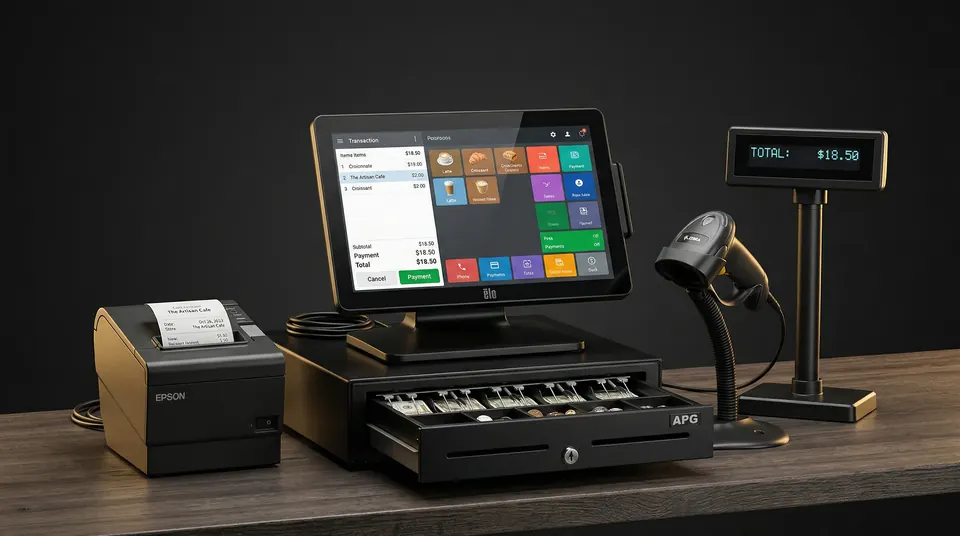
When software and hardware are selected together, your rollout is calmer. Your tills do not “almost work” while someone waits for the next vendor.
TimeWorks approach: software + a SQL-powered backbone for safer data integrity
If you are considering Restaurant POS Cape Town or Retail POS Cape Town, the biggest question is not what the interface looks like. It is whether the system keeps working when real conditions change.
TimeWorks builds its platform on Microsoft SQL, and that backbone supports offline resilience and multi-site synchronization. You get structured data you can trust as you add tills, products, and locations.
Here is what that means during a typical “it always happens at lunchtime” incident:
- Keep selling when the internet drops, then trade through and re-sync automatically when the connection returns.
- See your stock everywhere, because the system is designed for multi-location visibility instead of siloed spreadsheets.
- Keep reporting accurate with automated backups and daily clarity, not vague “later updates.”
For businesses comparing architecture choices, this is where the “quiet” philosophy matters. A quieter interface helps operators focus on service instead of software.
If you want to evaluate the platform directly, start at POS Software.
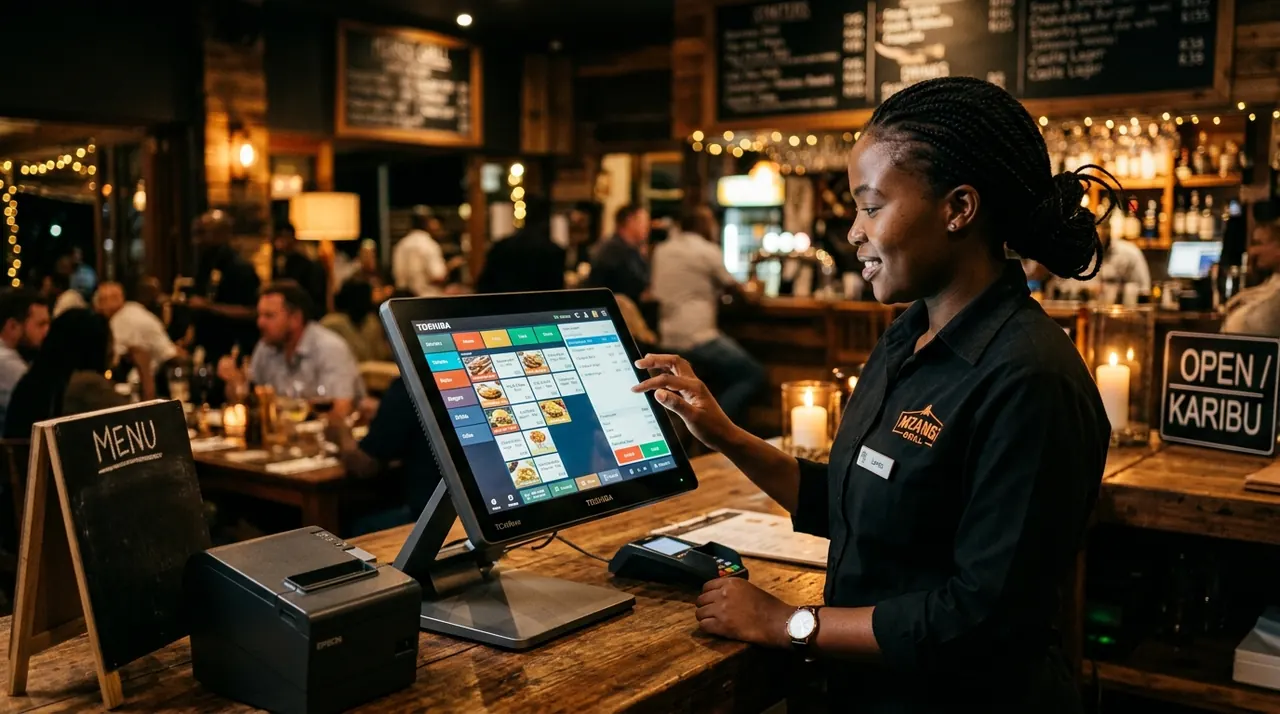
Local rollout and support that fits real Cape Town operational pressure
Hardware is only half the story. Rollout and support are where most POS projects get painful, because the live environment does not behave like a demo day.
TimeWorks is structured for that reality. We support businesses in the Cape Town metro, with a same-day on-site option for critical issues and 24/7/365 critical support channels.
That local pattern matters if you run any of the following environments, where peak checkout windows cannot pause:
- Butchery POS operations, where stock movement accuracy and fast service are non-negotiable.
- Bottle store POS and fast turnover retail, where payment flow and peripheral reliability keep the queue moving.
- Coffee shop POS setups that need stable terminals during busy bursts.
- Wine estate POS and hospitality environments that shift between front-of-house and back office tasks.
We also plan around your downtime tolerance. When your staff are busy, “training later” becomes a downtime tax. A proper rollout plan sequences hardware checks, software configuration, and handoffs so service stays operational.
For the support workflow itself, use the log a support ticket path. It is designed for hardware, software, network, or configuration issues with prioritized handling for critical outages.

Load-shedding-ready POS: why “one provider” matters when power and internet are unstable
In 2026, you cannot separate software from the environment it runs in. For many businesses, the practical requirement is Load-shedding-ready POS.
TimeWorks is designed so sales continue during connectivity outages and then synchronize when online returns. That is not a marketing line, it is the expected outcome for day-to-day operations in South Africa.
When you pick a provider that only handles software, you still need hardware choices, workstation setup, and a support chain for peripherals and network layers. When you pick a provider that only handles hardware, you still need software behavior that prevents stock and sales inconsistency.
Unified ownership prevents the bottleneck. One backbone, one operational workflow.
If your goal is to keep service running through unstable internet, we can show you how the platform handles offline mode and re-sync during setup.
We architect the rollout so operators are not testing recovery under pressure. We test it before you go live.
POS hardware Cape Town and the “swap-out” reality of support tickets
Hardware does fail. Cables loosen, printers run out of consumables, terminals get hit by daily life, and networks behave badly at the worst time.
That is why we treat POS hardware Cape Town as part of the system, not an afterthought. Your provider must handle peripherals, replacements, and the software settings that make the hardware behave properly once it is swapped.
At the support layer, TimeWorks offers a practical path: log a ticket, receive prioritized response for critical incidents, and get remote and on-site help when needed.
To pressure-test whether a provider truly handles software, hardware, rollout and support as one, ask this in your next meeting:
- “When a terminal fails, who updates the configuration so it is ready for service?”
- “What is your on-site process in the Cape Town metro?”
- “How do you handle offline operation and re-sync when the hardware swap happens during outages?”
We answer those questions because they decide whether you lose minutes or lose hours.
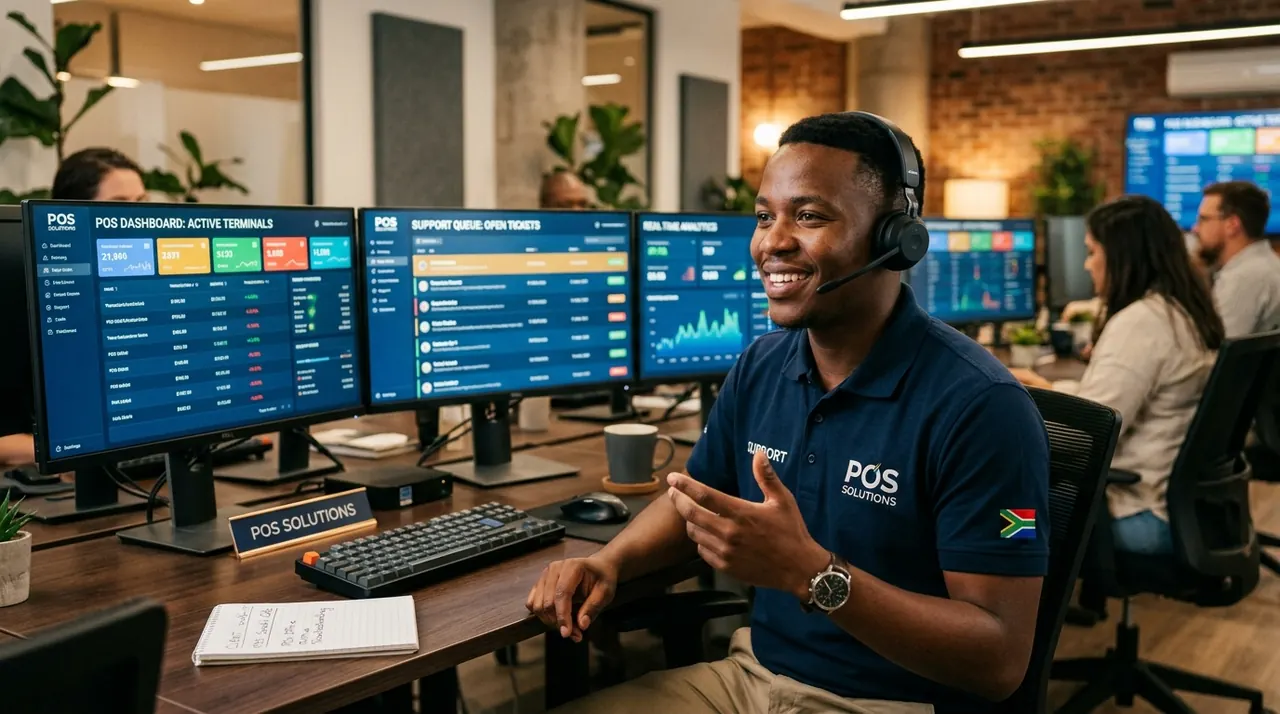
POS rentals Cape Town: one provider can still deliver when cashflow is tight
If you are asking “Can one provider handle software, hardware, rollout and support” because budget timing is the issue, POS rentals Cape Town can be the controlled bridge.
TimeWorks offers flexible rental options, including daily rental for events and pop-ups, monthly rental (from R995/month), and rent-to-own paths. The intent is speed to go live, without sacrificing the support workflow.
Why rentals matter for rollout:
- You get a faster path to hardware on the floor.
- You still have a single provider owning the full chain, not multiple vendors under one roof.
- You get swap-out warranty support as part of the rental approach.
Use this rental model when you need Restaurant POS Cape Town or Retail POS Cape Town readiness quickly, and you want the provider to keep supporting the system through the transition.
If you want the exact rental structure, read POS Rentals.
TimeWorks vs GAAP, Yoco vs full POS system: how to compare without getting lost
When you compare options in 2026, you might hear names like TimeWorks vs GAAP or see lists that pit “lightweight” tools against a full solution like “Yoco vs full POS system.”
Here is the operational way to compare. Don’t compare by feature count. Compare by ownership across software, hardware, rollout and support.
Use this checklist while you evaluate vendors:
| Question you should ask | What “one provider” looks like |
| Who owns rollout? | Same team plans hardware, software setup, and data flow from day one. |
| Who owns hardware failures? | Support includes peripheral replacement and the correct configuration on the swap. |
| Who owns unstable internet behavior? | Software keeps selling during outages and re-syncs automatically when the connection returns. |
| Who owns tickets? | One workflow for hardware, network, configuration, and software issues. |
When you do this, the “best” choice becomes obvious. You pick the provider that reduces ambiguity, because ambiguity is where outages get longer.
If you want a direct, provider-led starting point, book a consult via Contact & Get a Quote.
When the answer is “yes”: signs you found the provider that handles software, hardware, rollout and support
So, can one provider handle software, hardware, rollout and support? Yes, but only when they can prove it in process, not promises.
Here are the signs we look for, and we expect to see from you:
- They explain their structured data foundation and how it stays consistent across locations.
- They cover offline resilience and automatic re-sync because uptime is the goal.
- They specify local rollout and support (and can discuss Cape Town response realistically).
- They include POS hardware Cape Town in the same conversation, including peripheral behavior and swap-out approach.
- They offer rentals when speed matters, without dropping your support standards.
In other words, you do not just buy a system. You partner with a backbone that runs your daily service, including environments like Butchery POS, Bottle store POS, and Coffee shop POS where consistency is the difference between smooth shifts and emergency fixes.
Conclusion
Can one provider handle software, hardware, rollout and support? In 2026, it should. If you choose a unified provider, you reduce handoffs, prevent ambiguity, and get a single support workflow for the whole system, from terminals to structured data.
With TimeWorks, we focus on uptime and operational pressure realities, including SQL-powered data integrity, offline resilience for load shedding-ready environments, and Cape Town support that can move quickly when you need it. If you want a calmer rollout with one accountable backbone, start with POS Software and then confirm the support and ticket path in Support & Resources.
Frequently Asked Questions
Can one provider handle software, hardware, rollout and support for a restaurant in 2026?
Yes. When a provider owns the full chain, they handle Restaurant POS Cape Town rollout planning, configure the software to match your workflow, and support hardware and peripherals through the same ticket process. In 2026, this is especially important for keeping service running during unstable internet and power interruptions.
What should I ask to confirm a POS provider can manage both POS hardware Cape Town and software?
Ask who owns the ticket when hardware fails and whether they also update the correct software configuration during a swap. If they cannot clearly explain their workflow for terminals, peripherals, and data behavior, they are not truly handling software, hardware, rollout and support as one system.
Is load-shedding-ready POS possible without complicated setups and multiple vendors?
It can be simple when the provider designs the software for offline operation and automatic re-sync. A single provider that also manages rollout and support reduces the chance of “almost working” systems, because the hardware and software are validated together for outage conditions.
When would I choose POS rentals Cape Town instead of buying full equipment?
Choose POS rentals Cape Town when you need speed, limited cashflow, or short-term coverage for events and pop-ups. A provider that also supports the rollout keeps the same accountability across software, hardware, and support, which matters when your opening day cannot slip.
Is Yoco vs full POS system still a good comparison in 2026?
Yes, but compare based on software, hardware, rollout and support, not just payment terminals and app features. A “full POS system” usually provides deeper operational control, better offline behavior, and a more complete support pathway for Retail POS Cape Town or hospitality environments.
How do TimeWorks vs GAAP comparisons usually go for businesses with multiple locations?
For multi-location operations, the deciding factor is how reliably the system keeps structured data consistent across sites while still trading through unstable connections. A provider with SQL-powered backbone and multi-site synchronization is usually the practical best fit for businesses that need clarity, not manual reconciliation.
Can a single provider support niche industries like Butchery POS and Wine estate POS?
Yes, when they understand the operational pressure and support requirements behind those environments. For niche setups like Butchery POS or Wine estate POS, one provider should handle rollout details and keep support responsive for hardware, software, and configuration issues so service stays predictable.