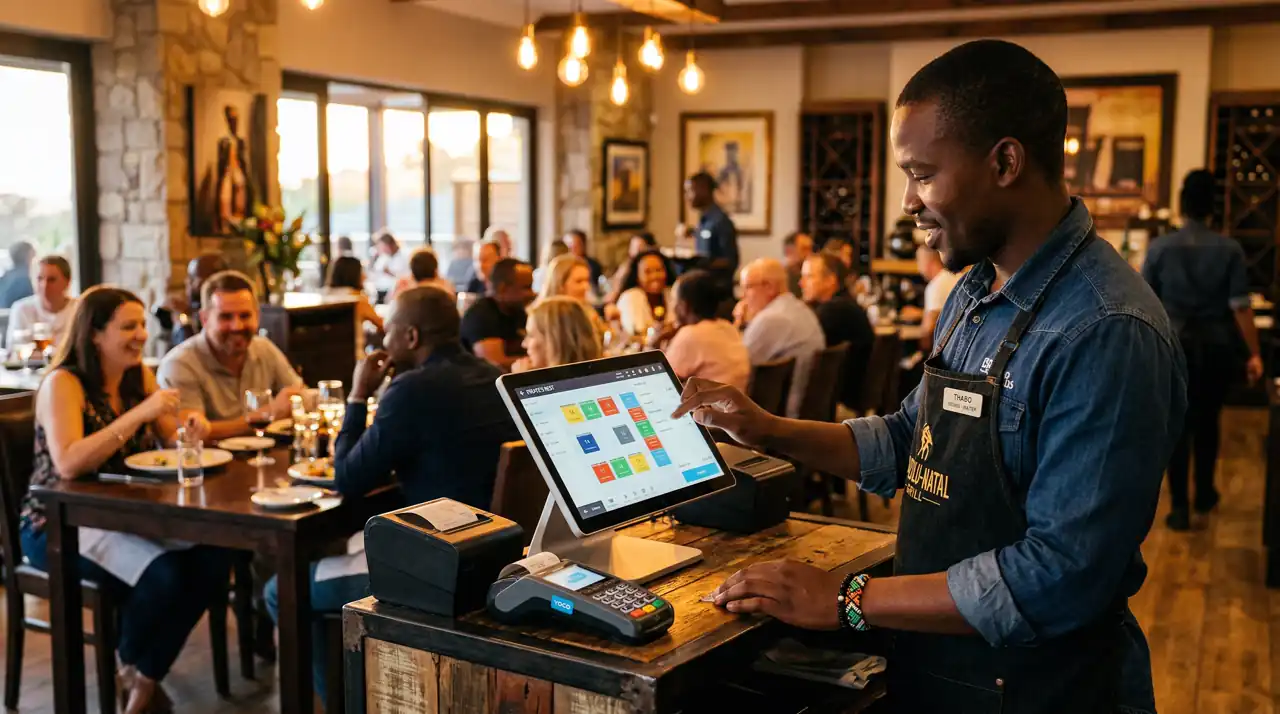
Restaurant POS
Built for Service.
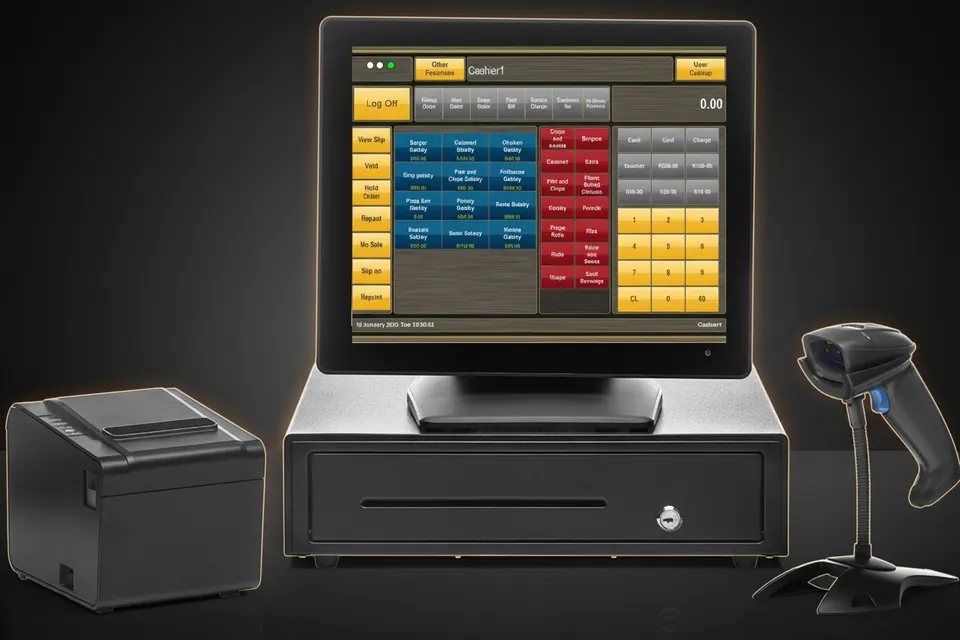
Table management, kitchen display integration, and split-bill functionality all from one SQL-backed POS system built for restaurants that run from lunch service straight through to last orders.
What Is the Best POS System for a
Busy South African Restaurant?
The best POS system for a busy South African restaurant is one that keeps trading when the power or the internet drops, turns tables faster, and comes with same-day local support. Margin is the reason. Restaurants and coffee shops in South Africa earned a net profit margin of 4,2% of turnover in the 2022 survey year, according to Statistics South Africa — about R4 of every R100 taken across the counter. FEDHASA, the national hospitality association, says restaurants now generally need annual revenue growth of 10% to 15% simply to maintain the same profitability, yet real income at restaurants and coffee shops grew just 2,9% year on year in the first quarter of 2026 (Statistics South Africa). On those numbers, a POS that costs you one busy service is not a software inconvenience. It is the margin.
Speed of service is measurable money. A study of more than 2.6 million transactions at a full-service casual chain, by Tom Fangyun Tan of SMU Cox and Serguei Netessine of the Wharton School, found that tabletop ordering and payment technology reduced meal duration by 9.74%. Shorter meals at the same cover count mean more covers inside the same trading hours, without adding a table or a server.
Trading through an outage still matters, even though the grid has improved. Eskom closed winter 2025 with just 26 hours of load shedding across four evenings, supplying electricity 97% of the time. The risk has not disappeared, though, and the peak showed the cost: South African fast-food outlets recorded a 40% decline in sales in January 2023, largely because mall tenants are usually barred from installing their own generators and simply close during outage windows (USDA Foreign Agricultural Service).
That is why TimeWorks runs on a local Microsoft SQL database inside your restaurant rather than in a browser tab. Service continues when the line does not, and transactions sync automatically once connectivity returns. To see how TimeWorks, Mango POS, Yoco, inTouch and Lightspeed compare on price, offline trading and set-up time, read our restaurant POS comparison table.
| What a busy service demands | Why it matters | What to check before you buy |
|---|---|---|
| Trading through an outage | South African fast-food outlets saw sales fall 40% in January 2023 at the peak of load shedding (USDA FAS). | Does the till keep taking orders with no internet, and does it sync automatically when the line returns? |
| Table turn speed | Tabletop ordering cut meal duration by 9.74% across 2.6 million transactions (Tan & Netessine). | Can a server fire an order without leaving their section and queueing at a station? |
| Order accuracy | Errors cost twice: the wasted plate, and the covers lost while the kitchen remakes it. | Do modifiers and allergy notes reach the pass exactly as the server entered them? |
| Split billing | A table of eight paying separately at 21:00 blocks the next seating if the till cannot cope. | Can one bill split by item, by seat and by ratio, mid-service, without voiding the table? |
| Local support | 76% of restaurant operators say technology gives them a competitive edge (National Restaurant Association) — but only if it is running. | Is same-day on-site support actually offered in your area, or is it a ticket queue in another time zone? |
| Guest data control | POPIA makes you accountable for guest data wherever it is stored. | Where does guest data physically live, and can you export or delete it on request? |
Six Features That Run
Your Restaurant.
Purpose-built modules that address the real operational demands of restaurant businesses in South Africa.
Table Management
Assign servers to sections, track every table's status in real time, and manage walk-ins alongside advance reservations from a single floor-plan view. Move items between tables, merge covers, and handle partial payments without losing any order detail or creating confusion at the till.
Kitchen Display System
Orders fire directly from the POS to a kitchen display screen the moment a server confirms the table order, eliminating printed ticket clutter and verbal miscommunication. The KDS prioritises by table seating time, highlights allergen flags, and timestamps every dish so you can measure service speed and identify bottlenecks during peak covers.
Split Bill and Course Management
Split any bill evenly, by item, or by custom amounts without recalculating manually. Hold starters while mains are being prepared, fire courses on the server's cue, and print separate receipts per diner. Corporate expense diners and group bookings both handled without the awkward end-of-evening shuffle.
Menu and Modifier Management
Build modifiers for cooking preferences, sauce choices, and portion upsells directly into each menu item. Modifiers prompt the server at the time of ordering, ensuring the kitchen receives complete specifications on every ticket. Seasonal menu changes are applied from one central screen and update every terminal simultaneously.
Sales and Menu Reporting
Identify your highest-margin dishes, track cover counts by day part, and compare server performance across a shift or a month. Reports are generated directly from the SQL database, meaning data is consistent, not sampled, and exportable to your accountant in formats compatible with SARS e-filing requirements.
Loyalty and Repeat Guest Profiles
Build guest profiles that track dining frequency, preferred tables, dietary notes, and spend history. Use this data to reward loyal diners with points-based vouchers, offer personalised birthday promotions, and reduce churn during the quieter mid-week periods typical of Cape Town restaurant seasonality.
Built for
South African business.
25 years of South African retail and hospitality experience drives every module. The system is designed around the realities of trading in South Africa, including load shedding resilience, rand-based reporting, and local compliance requirements.
Faster Table Turns
Integrated KDS and split-bill processing reduces the time between seating and bill settlement, letting you turn tables faster without rushing the guest experience.
Complete Payment Flexibility
Accept cash, card, QR payments, and vouchers at the table or counter. Foreign currency conversion and multiple tender types on a single bill are all handled natively.
Load Shedding Resilience
Local SQL database architecture means the POS keeps processing orders and payments during loadshedding, with automatic sync when connectivity restores. No cloud dependency at the till.
Rental Options Available
No large capital outlay required. Rental packages include hardware, software, setup, and ongoing support, ideal for businesses managing cashflow through growth phases.
Common Questions
Restaurant-specific questions about TimeWorks POS.
Ready to Upgrade Your Restaurant?
Talk to an Expert.
Talk to a TimeWorks specialist about your restaurant layout, cover count, and kitchen workflow. Rental and purchase options available with full setup, staff training, and ongoing support.