
POS Installation: What Needs Testing Before First Trade? The answer is a complete checkout rehearsal that proves your devices, product records, payments, staff procedures and recovery steps work together before real customers rely on them.
Key Takeaways
| Pre-trade check | What it confirms |
|---|---|
| Hardware and checkout flow | Terminals, scanners, receipt printers and cash drawers work together in their actual counter positions. See our POS hardware options. |
| Products, tax and stock | Test sales use the right records, prices, tax treatment, discounts and inventory movements. Review the POS software features relevant to your setup. |
| Payments and exceptions | Test each accepted payment method, plus declined, cancelled, split-tender, refund and void scenarios. |
| Connectivity and power | Know what happens during an outage and how to reconcile transactions after service returns. |
| Staff and security | Confirm user permissions, individual logins and practical checkout procedures. |
| Evidence and approval | Record outcomes, resolve critical issues and obtain an authorised go-live sign-off. |
Check every device in the checkout flow
A POS system needs the terminal, connected peripherals, working software and payment routes that the business intends to use. We test the complete checkout path, not just whether each device powers on: enter a test sale, scan an item, print the receipt and trigger the cash drawer.
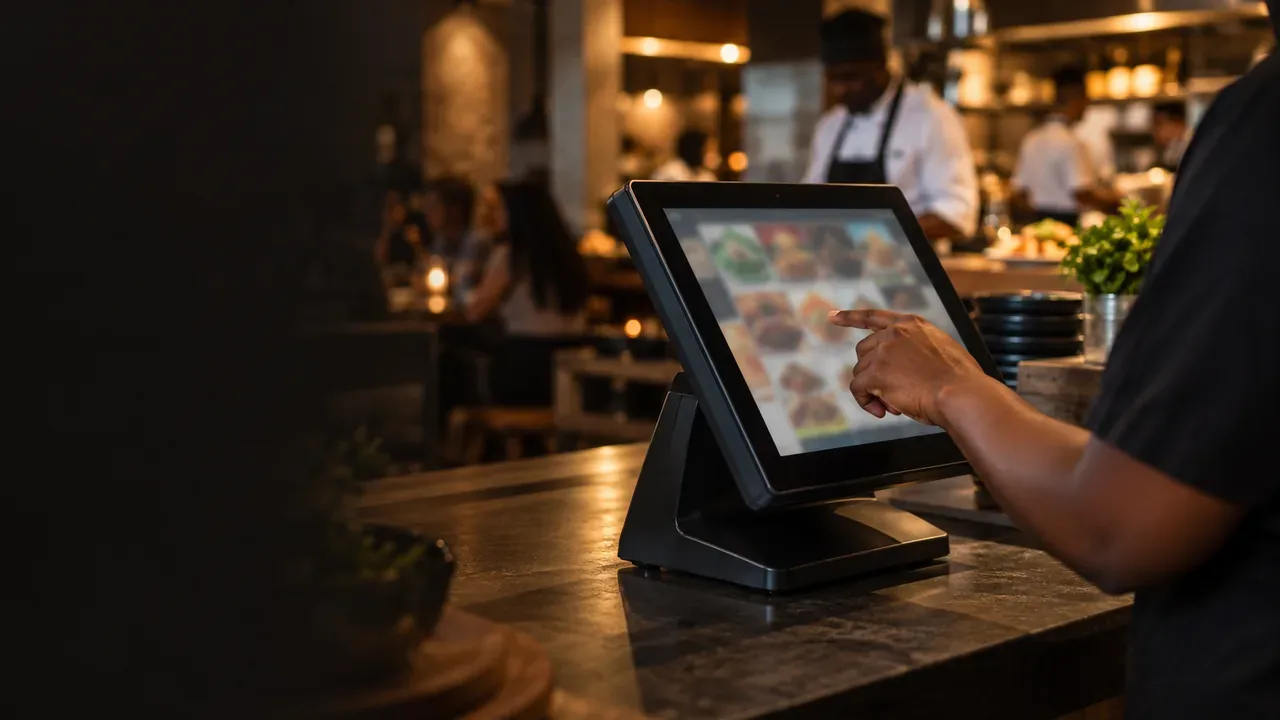
The Touch Screen POS Terminal (Toshiba TCx) is an all-in-one terminal configured for TimeWorks POS, with fanless cooling and IP-rated protection against dust and splashes. Listed at R 12,995, it suits a checkout test where staff need to use the actual touch interface and counter setup.
For receipt output, the Thermal Receipt Printer 80mm has a listed print speed of 260mm per second, an auto-cutter, USB, LAN (Ethernet), RS-232 (Serial) and a cash drawer kick port. Print a completed test sale, check legibility and confirm the correct printer and cutter respond; test the drawer kick separately from the drawer’s key lock.
Scan several known barcodes and compare each result with the product record, including any items staff must enter manually. Put the terminal, scanner and printer in their real counter positions, then complete a sale at normal working speed to reveal cable problems, blocked access or an awkward reach.
Verify products, prices, tax and stock movements
Test a representative mix of products, including different price formats, weighed goods, discounted items and manual entries. Compare each till total with the approved price record so an incorrect product mapping or price does not carry into live sales.
Check sample transactions against the business’s approved tax configuration, including whether prices are tax-inclusive or tax-exclusive where relevant. Apply a discount and verify its amount, the final total and the transaction record, then confirm that user permissions restrict discount access where required.
Record stock before and after a test sale, refund and void. Each action should change inventory according to the business’s intended rules; verify the inventory sync for each transaction type.
Test each payment method without confusing test and live sales
Use the payment provider’s test environment and test credentials where available, then confirm that test transactions cannot be mistaken for settled live payments. One successful card payment does not prove that every route works, so test each method the business plans to accept, including chip-and-PIN, contactless, EFT payment and cash.
Include an approved payment, a declined payment and a cancelled or interrupted attempt. Check that the POS displays each outcome clearly and never records a declined transaction as paid.
For a POS that uses the Yoco payments integration, verify that the amount passes from the POS to the reader and that the approval status returns to the till. If a provider requires a live test, follow its procedure, mark the transaction as a test in reconciliation records and confirm the agreed settlement or refund outcome.
Run a complete sale and deliberate exception tests
Use a scripted test sale that starts with item entry and continues through a discount, payment, receipt and transaction lookup. Compare the final total at each step to catch mismatches between the till screen, payment request, receipt and saved transaction.
Test a split tender using the payment types the POS supports, and check that the remaining balance updates correctly after every part-payment. Test a refund and a void through the provider-approved method, then compare the POS record with the payment outcome; do not create real charges or refunds unless the test procedure calls for them.
Simulate a timeout or repeat-payment attempt and inspect the transaction identifier and status before retrying. This helps prevent a second charge when the first attempt has an uncertain result.
Test connectivity, integrations and power recovery
Run the POS on its normal network and verify that connected business systems receive the expected transaction, order or stock data. A successful sale at the till alone does not prove that connected records have updated.
Use the provider’s safe test procedure to interrupt the network and observe whether sales stop, queue or use an offline mode. Offline payment behaviour depends on the POS and payment provider.
When connectivity returns, reconcile queued or uncertain transactions against both POS records and payment-provider outcomes before retrying them. For setup guidance and troubleshooting, use the Support & Resources.
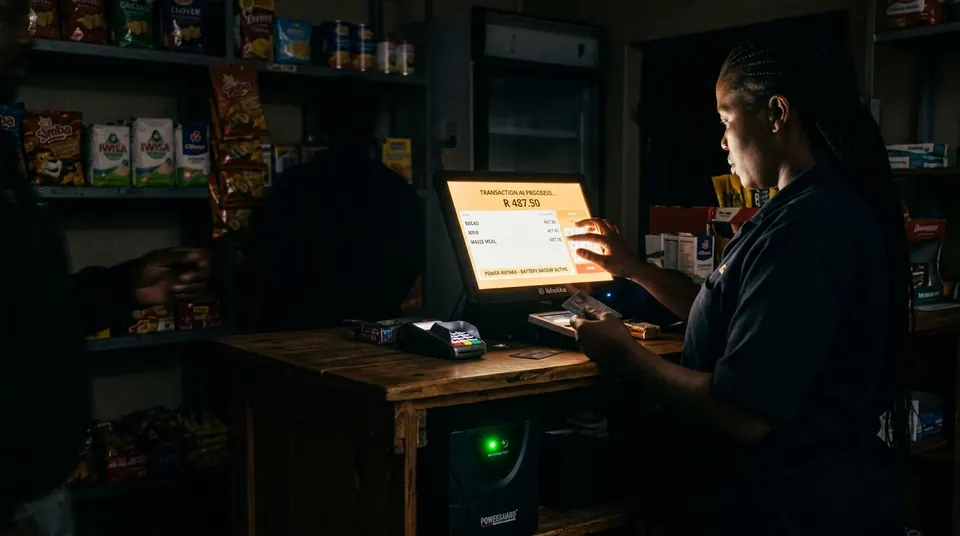
A power interruption test should confirm orderly recovery and device restart. Size any UPS to the terminal and peripherals.
Prepare staff accounts and checkout procedures
Sign in with each staff role and test only the actions that role needs. Restrict sensitive functions, such as refunds, voids and configuration changes, to authorised users so checkout access matches each person’s responsibilities.
Give each user individual credentials and remove access for former or unauthorised users. Have staff rehearse a normal sale, a correction, a declined payment and an outage procedure so they know when to stop and escalate rather than repeat an uncertain transaction.
Make the separation between practice and live sales clear to the whole team. When reporting a problem, staff should record the transaction reference and outcome so the issue can be traced without relying on memory.
Separate POS testing from legal metrology checks
If a scale determines the quantity or price of goods sold, establish which South African legal metrology requirements apply and complete any required verification before trading. Legal metrology verification is separate from checking that the scale connects to the POS or calculates a price correctly.
Test the scale connection, displayed weight and calculated price under known test conditions, while keeping those functional checks distinct from any required formal verification. The POS Weighing Scale connects to TimeWorks software for automatic price calculation; model-dependent capacities are 6kg, 15kg or 30kg, with OIML Class III-approved accuracy.
An accuracy class and POS integration do not establish that a particular instrument has completed any required legal verification. Use the applicable South African verification process for your trade instrument.
Record results and authorise the go-live
Keep a test record with the scenario, date, operator, expected result, actual result and relevant POS or payment reference. This creates a traceable record of what passed, what failed and what needs another test.
List unresolved issues with a named owner and target resolution. Block go-live if an issue could affect payment accuracy, transaction records, legal compliance or safe checkout, then retest failed cases after a fix and record the new outcome.
An authorised business owner should approve the completed checklist and confirm staff readiness, outage procedures and payment reconciliation responsibilities before customer transactions begin. A documented sign-off turns testing into a clear decision rather than an informal impression that the till seems ready.
Frequently Asked Questions
Stop further test attempts and contact the payment provider through its merchant support channel with the transaction reference. Ask whether the amount was authorised or captured, then follow the provider’s process for reversal or refund and retain its confirmation.
Yes, if the sandbox uses an isolated database or test tenant that does not write to production inventory. Ask the system administrator to verify the separation with a test item before staff begin practising.
Repeat the affected tests before the changed setup handles customer transactions. For a change that touches payments, inventory or integrations, also run an end-to-end sale to confirm connected steps still work together.
Pause any replacement transaction while you compare the till record, payment reference, timestamp and provider settlement details. Ask the provider to trace the reference if the payment status remains unclear, then document the resolution against the affected sale.
Run the relevant checks at each branch, including local devices, tax settings, payment routes and stock behaviour. Then confirm that branch transactions appear in the shared reporting or inventory view as the business expects.
Yes, test each lane with the devices and staff workflow assigned to it, even when several lanes use the same POS configuration. This catches lane-specific connection, printer routing or access problems before customers encounter them.
A POS test is a rehearsal of the checkout process to confirm the terminal, connected devices, product records, payments and staff procedures work together. It also checks exceptions such as declined payments, refunds, outages and recovery before the system handles real customer transactions.
Conclusion
What needs testing before first trade is a documented, end-to-end rehearsal of devices, records, payments, exceptions, connectivity, staff access and any required legal verification. Retest failures after fixes, keep evidence of the results and let an authorised owner approve the system before the first real sale.
See the hardware working before you commit
Book a free demo and we will walk you through terminals, printers and scanners on your own checkout flow.