
A POS rental for a market stall starts with more than choosing a card machine: you need a checkout setup that fits your products, staff, payment mix and busiest trading window. We’ll help you compare rental periods, plan enough staffed checkout points and prepare for connectivity or equipment problems before customers arrive.
Key Takeaways
| Question | Practical answer |
|---|---|
| What does a POS system do? | It records sales, calculates totals and supports payment processing, giving you a consistent way to ring up orders and track trading. |
| What makes a POS suitable for a small stall? | Choose equipment and software that match your products, counter space, payment methods and order steps. For stalls serving prepared food, our fast-service ordering approach is relevant to planning how orders move through the counter. |
| How much does POS rental cost? | Costs depend on the rental period and what the setup includes. Event POS rental is quoted for the event, while daily rental is quoted on request. |
| How many terminals should a market stall rent? | Estimate customers in your busiest 15-minute window, compare that with checkout time, then count staffed checkout points, not just devices. |
| What should you check before accepting card payments? | Confirm that your merchant facility, card machine and network connection work together for the payment methods you intend to accept. |
| How can sales reports help during trading? | Use sales reporting to see which products are moving quickly and make timely stock or preparation decisions. Our sales reporting and stock-control overview explains the role those tools can play in daily operations. |
When a rented POS makes sense for market trading
POS rental suits traders who need a till for a defined period, such as a market date, a run of pop-ups or a seasonal trading schedule. An event POS and monthly POS rental plan can suit different schedules, while the right term depends on how often you trade and what the rental includes.

For a one-off event, POS for events includes touchscreen terminals, receipt printers, card and tap payments, battery backup, setup, staff training and event support. That makes it a practical option when you need an event-focused setup with operational help included.
A Daily rental and Monthly POS rental option for mobile trading can suit a market, festival or pop-up, with daily rental quoted on request. Choose the period that follows your actual trading calendar rather than paying for equipment during weeks when the stall is closed.
Match the configuration to the service style, too. A simple counter sale can move directly from product selection to payment, while food orders may require modifiers, preparation and a separate collection point; those extra steps affect both software setup and queue flow.
Arrange configuration, staff training and support before market opening. When comparing market-focused and event-focused rental arrangements, look at the practical inclusions, such as delivery, payment integration, setup and event support, rather than judging the offer by its name.
Estimate terminal and staffing needs for the busiest queue
Plan around the busiest 15-minute window, not the day’s average pace. Estimate how many customers may arrive in that period, then time a typical order from product selection through payment approval.
Use this simple capacity check: divide 15 minutes by the average checkout time to estimate how many orders one staffed checkout point can theoretically handle in that window. If expected customer arrivals exceed that capacity, add a point, simplify the ordering process or reduce the time spent at the till.
Count checkout points, not just terminals. A device adds capacity only when a trained staff member can use it at a clear, usable counter position without blocking another transaction.
Allow for work that happens before payment. Product selection, weighing, customisation and food preparation all extend the time a customer occupies part of the service flow, so separate those tasks from payment where the stall layout allows it.
Rent for your busiest period, then keep the customer route clear enough for staff to serve consistently. A second terminal left without an operator or counter space will not shorten peak queues.
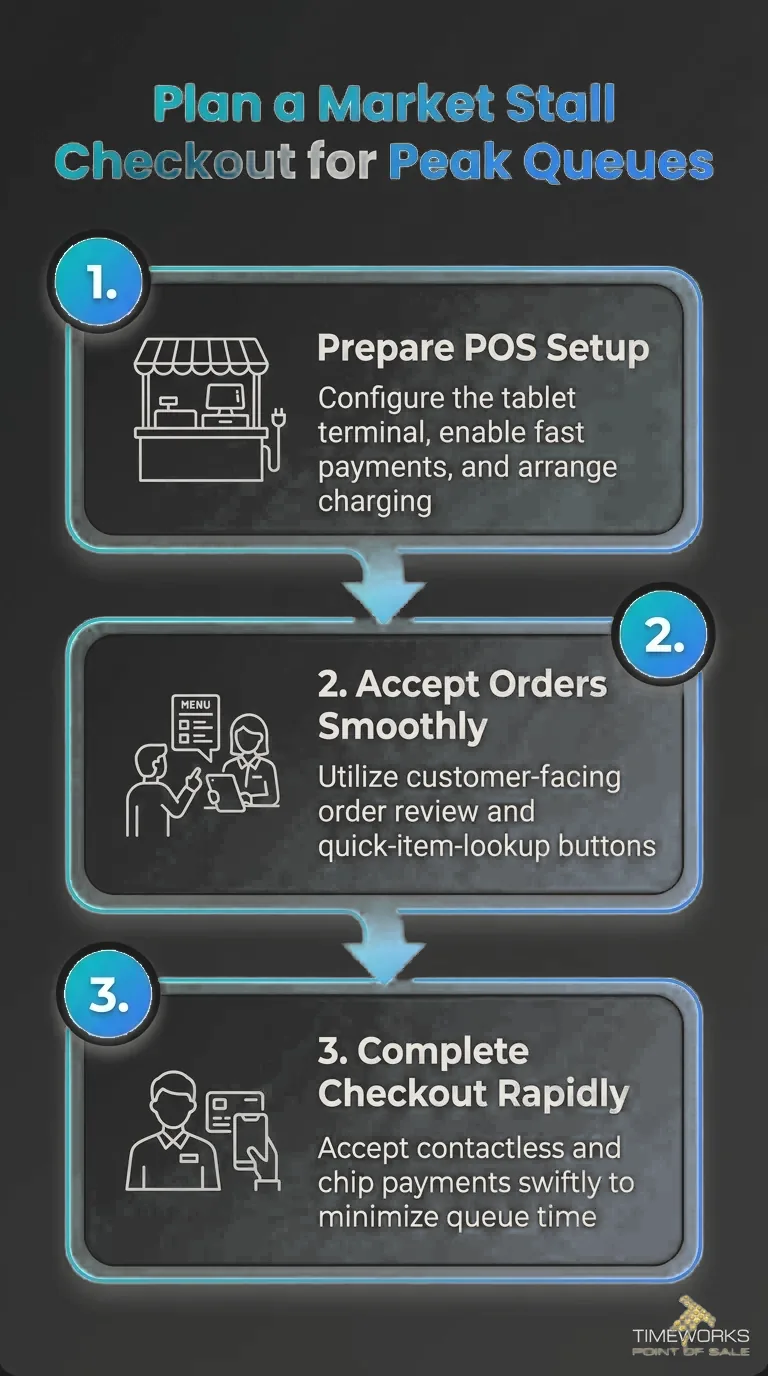
Plan a market stall checkout for peak queues with a rental setup designed to keep transactions moving.
Choose portable hardware and payment methods that fit the stall
A market stall POS should fit the counter without crowding the products or the people serving customers. Choose a stable position for the screen, card reader and receipt printer, with controls easy for staff to reach and the customer able to tap or insert a card comfortably.
Decide which payment methods your customers can use: cash, chip-and-PIN, contactless payments or QR. Ask for the rental setup to match that mix, and establish whether the card reader connects to the POS or operates as a separate device.
A card machine alone does not guarantee that card payments will work. Arrange the merchant facility for card acceptance and establish the network connection it needs at the stall, whether that means Wi-Fi, mobile data or another supported connection.
Plan power for the whole trading session, including charging breaks and any peripherals that draw power. Ask how battery backup is configured, and learn the documented process for a network interruption; confirm whether the rented terminal supports offline card transactions.
Some systems can record sales while offline, but card authorisation still depends on the payment setup and connection. Know which actions the POS can complete without a network and which payments must wait or use another method.
Design the counter flow to keep orders moving
Where space allows, separate ordering, payment and collection. Customers waiting for prepared orders can then move aside after paying instead of blocking the next person at the till.
Make product choices and prices easy to see before customers reach checkout. Clear menus, price cards and product displays reduce questions at the payment point and help staff enter orders consistently.
- Order taker: records the customer’s choices and any required modifiers.
- Payment operator: confirms the order total and processes cash, card or another supported method.
- Collection handover: checks completed orders and gives them to the right customer.
One person may handle more than one role when trade is quiet, but assign clear responsibilities when the rush begins. Frequent switching between taking orders, preparing products, handling cash and answering collection questions slows the whole counter.
Keep the cash area, reader and receipt printer within easy reach. Move bags, stock and displays away from the terminal so staff can complete each transaction without searching for equipment or reaching across customers.
Compare rental terms, inclusions and support
Compare the rental period alongside the hardware, software and support in the agreement. A lower rental cost can be poor value if it leaves you to organise delivery, payment integration, staff training or technical help separately.
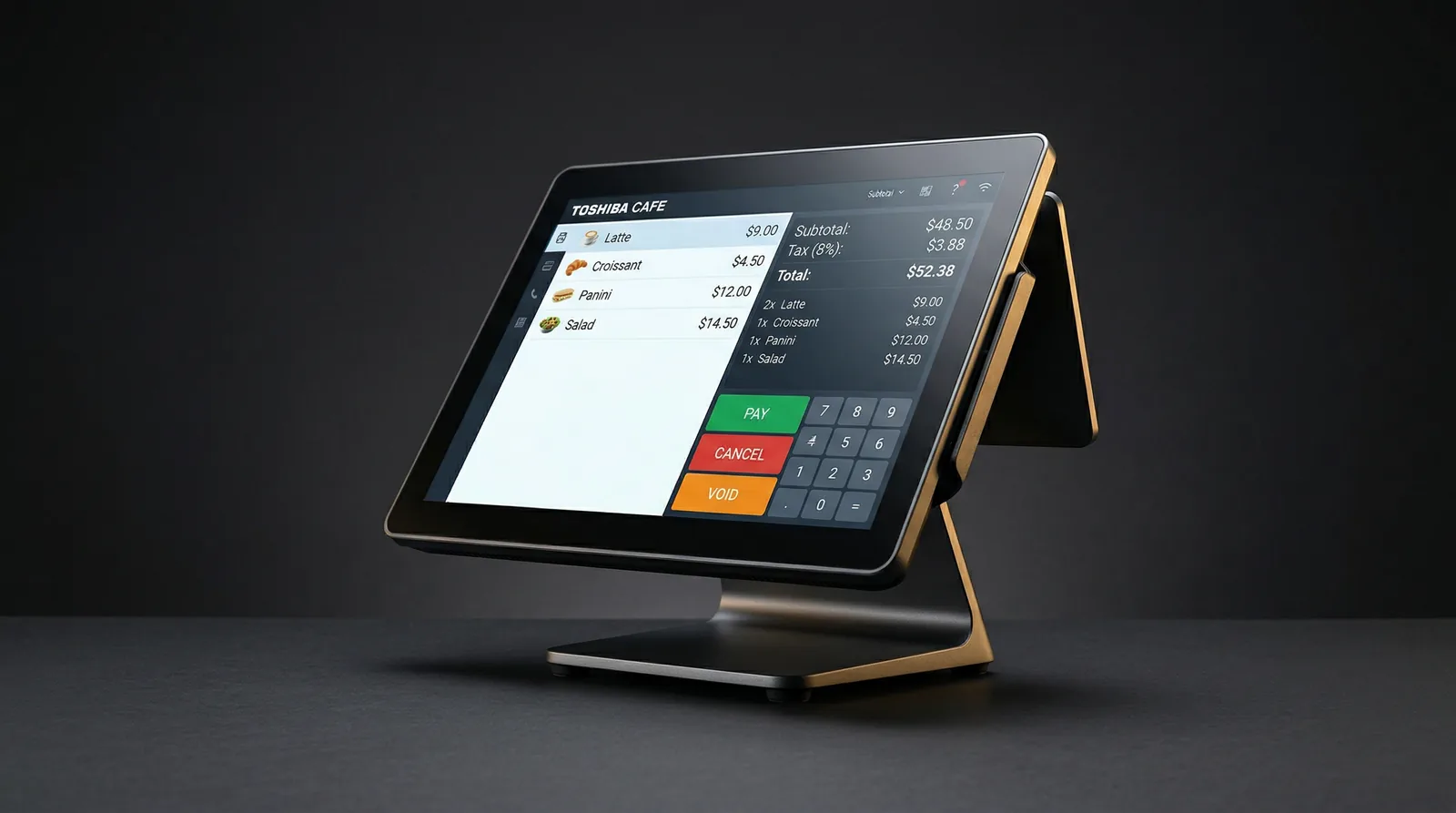
Monthly POS rental plans include hardware, software and support on month-to-month terms, with no long-term lock-in. They can suit traders who return to market regularly and want a continuing setup rather than arranging a new short-term rental for every date.
Monthly Rental is a month-to-month option that includes POS hardware and software, with a swap-out warranty. It starts from R 995 per month excluding VAT, making it a clearly priced option for traders who need a recurring setup.
| Rental detail | What to compare |
|---|---|
| Trading period | Check whether the arrangement covers the exact event dates or recurring market schedule. |
| Delivery and setup | Agree who delivers, configures and collects the equipment, and when staff training takes place. |
| Consumables and damage | Ask who supplies receipt paper and how the agreement handles accidental damage, loss or missing equipment. |
| Support and replacement | Find out when support is available, how to report a failure and whether a replacement or loaner can be provided. |
Ask for the rental terms to state the delivery and collection plan, included consumables, responsibility for damage and support hours during trading. Also establish what happens if a terminal, printer or battery fails, including whether a loaner or replacement is available and how quickly the issue will be handled.
For recurring stalls, compare month-to-month rental with event-based hire and weigh the value of a swap-out arrangement. A replacement process can reduce the time your stall spends without a working checkout when equipment needs repair.
Test the setup and prepare for disruptions
Before opening, load the product list and prices, then test every payment method you plan to accept. Print a receipt and run practice transactions with each staff member who will use the POS, so the team can handle the full process before customers arrive.
Check battery charge and the charging plan, test connectivity from the actual stall position and agree who will contact rental support if equipment stops working. Save the support contact details where the shift lead can reach them quickly.
Monthly POS rental covers a terminal, printer, software and support, with a month-to-month arrangement and no long-term contract. It starts from R 995 per month, excluding VAT, and suits traders looking for a recurring mobile-trading setup.
If connectivity fails, follow the system’s documented offline procedure rather than improvising. Record the interruption, then reconcile any permitted transactions against their payment outcomes when service returns, taking care not to charge the same sale twice.
During the event, use sales reports to spot fast-selling products and adjust stock or preparation while trading continues. After closing, reconcile cash, card and other payment totals against the recorded sales before wrapping up the day.
Frequently Asked Questions
For a market date, start arranging rental as soon as the event booking and stall requirements are settled. Early planning gives you time to agree the rental terms, payment setup and delivery arrangements without leaving decisions until opening day.
Yes, two staff members can take turns when the rental and software setup supports the way your team works. Use a clear handover for open orders and cash responsibility, and give each person an individual login if the system offers user accounts.
Do not immediately run the same payment again, because the first transaction may still be pending or approved. Record the amount, time and transaction reference, check the merchant transaction status, and contact payment support before deciding how to settle the sale.
A useful receipt identifies the trader, date and time, items purchased, item prices, total paid and payment method. Include tax details where they apply, along with a transaction reference that helps you match the receipt to your end-of-day records.
Some traders need only a card machine, while others need a POS that also records items, totals and sales reports. Ask for the rental quote to state whether it covers payment acceptance alone or an integrated checkout workflow.
Ask which report formats the system can provide and whether you can access the files after the rental period ends. Agree who will receive the closing report and how long you will retain it with your event records.
A good POS system fits the business’s products, counter space, payment methods and order steps. For a market stall, choose a setup that staff can use easily and that can handle the busiest trading periods.
In food service, a POS system records orders, calculates totals and processes payments. It can also support modifiers and help organise the flow from ordering and preparation to collection.
Conclusion: Match your POS rental to the peak
Plan a market stall POS rental by sizing the setup for your busiest 15 minutes, counting staffed checkout points and choosing a payment mix that works with your merchant facility and connectivity. Match the rental period to your trading calendar, confirm support and replacement arrangements, and test the complete order-to-receipt process before market opening.
Get a rental setup sized for your busiest hour
Tell us your dates, your trading points and your peak, and we will recommend the terminals, printers and support to match.